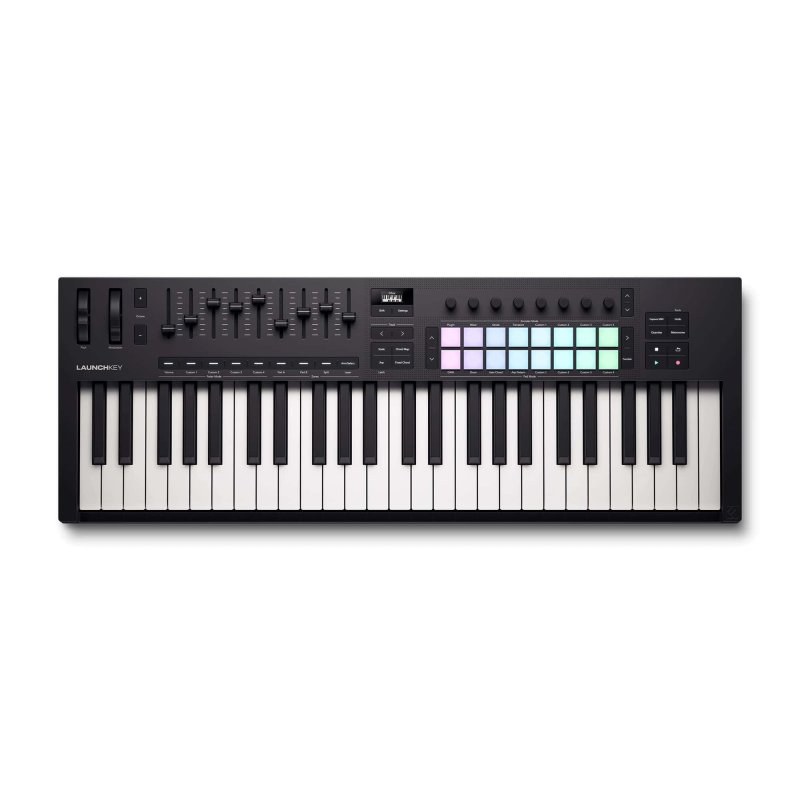
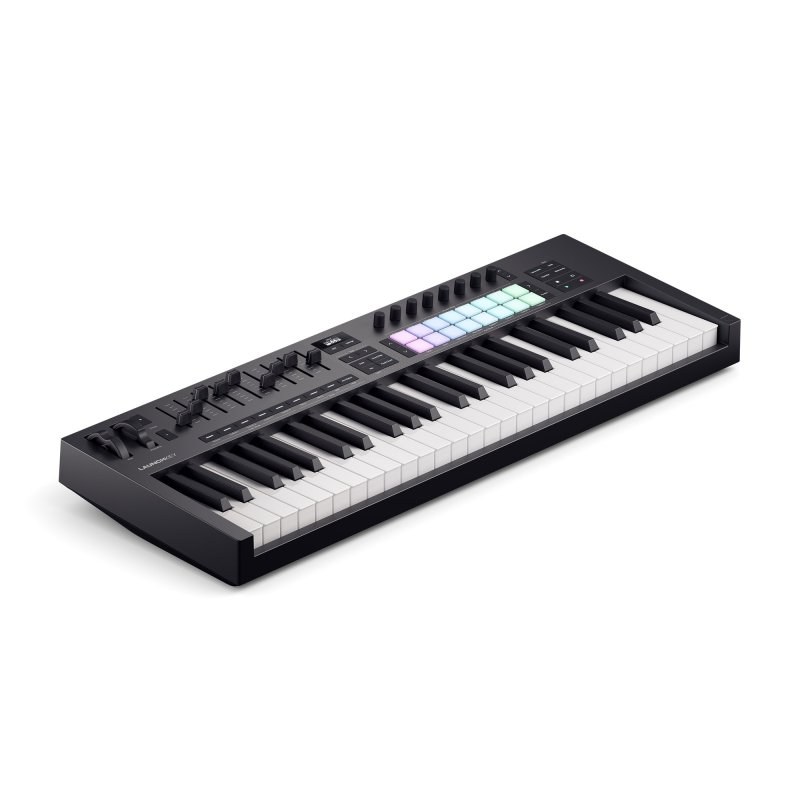
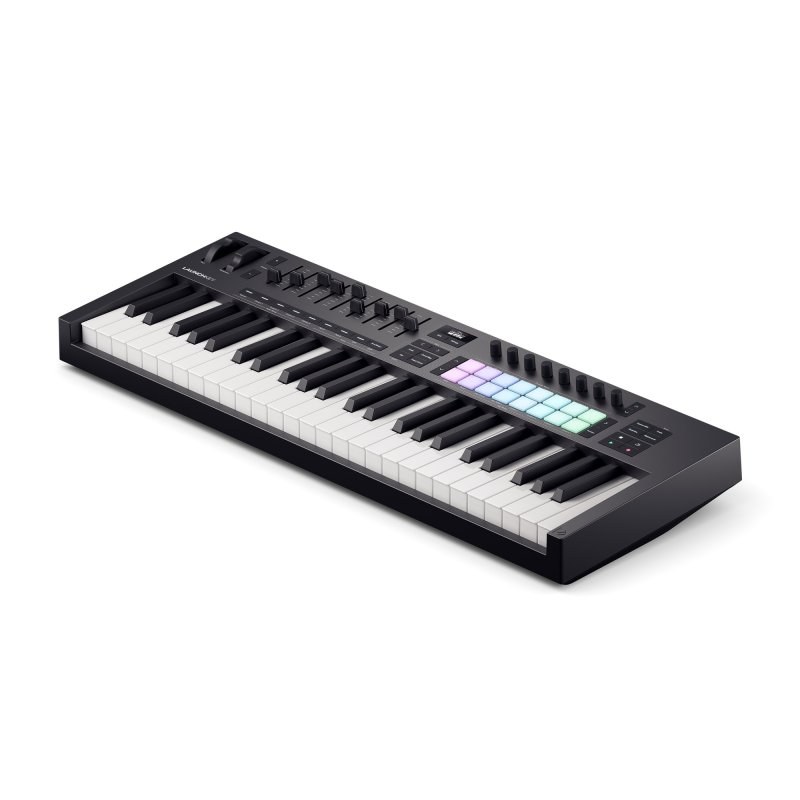
Novation Launchkey 49 MK4 49-Key MIDI Keyboard Controller
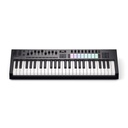
The Novation Launchkey 49 MK4 is a 49-key semi-weighted MIDI keyboard controller that takes hold of the most common DAWs as soon as you plug in over USB-C. It is for playing, but also for finding the chord you are missing: its OLED screen names the chord you play, and its creative tools suggest progressions and patterns.
What sets it apart
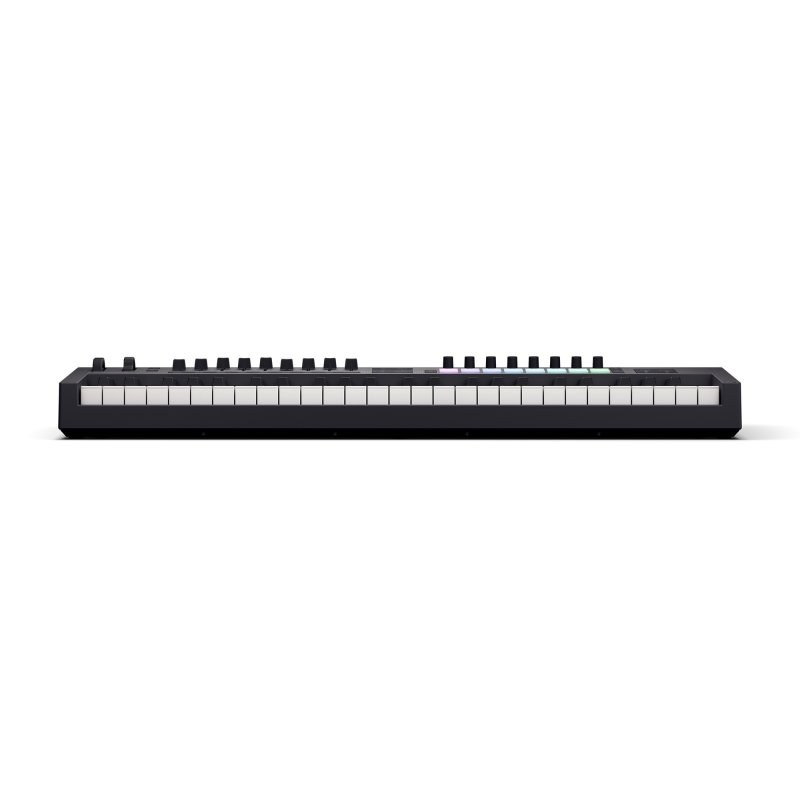
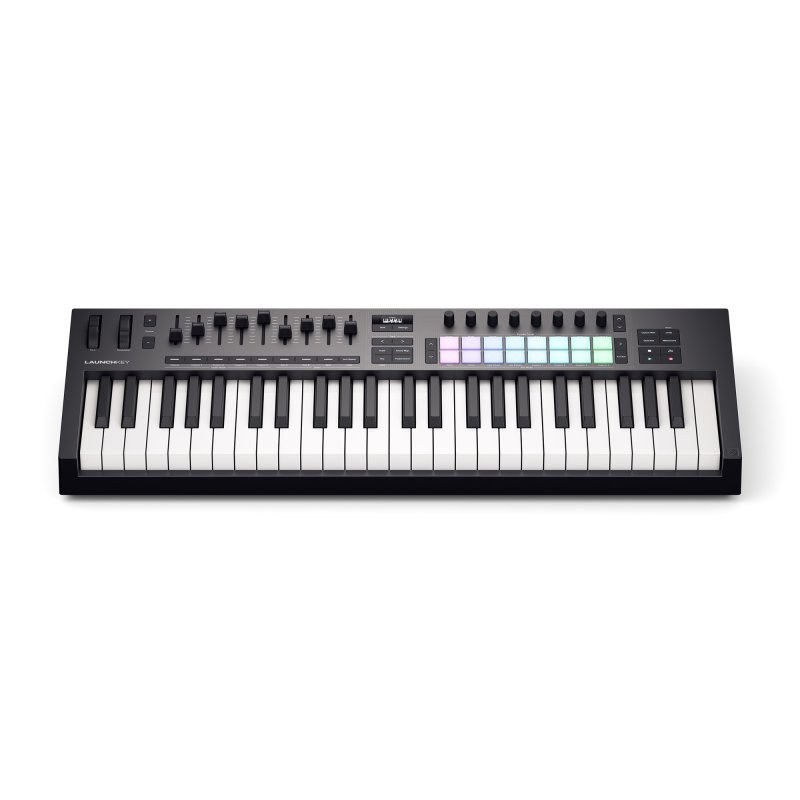
- 49 semi-weighted waterfall-style keys
- 16 RGB force-sensing pads with polyphonic aftertouch
- OLED screen with Chord Detector
- Generative arpeggiator with an 8-step editor
- 30 scales and three chord modes
- Zones: split the keyboard or layer sounds
A firmer 49-key feel
In the previous generation, semi-weighted keys were reserved for the 88. The 49 MK4 now gets them too: resistance that helps you shape the dynamics of a virtual piano or strings, in a size that still fits on a desk.
Zones split the keyboard in two, bass on the left and piano on the right, or layer two sounds on the same keys.
Tools that suggest ideas
The chord mapping mode lays out chords from your chosen scale across the pads, with inversions and arpeggiation. The generative arpeggiator mutates a pattern, and its 8-step editor sets ties, accents and ratchets.
Your DAW stays under your fingers: Ableton Live, Logic, Cubase, FL Studio, Reason and Ardour have a dedicated script, and the rest work through HUI.
Specifications
| Keybed | 49 semi-weighted keys, waterfall style, velocity |
|---|---|
| Pads | 16 RGB, force-sensing resistors (FSR), polyphonic aftertouch |
| Encoders | 8 endless encoders |
| Faders | 9 faders with their buttons |
| Display | 128 × 64 monochrome OLED |
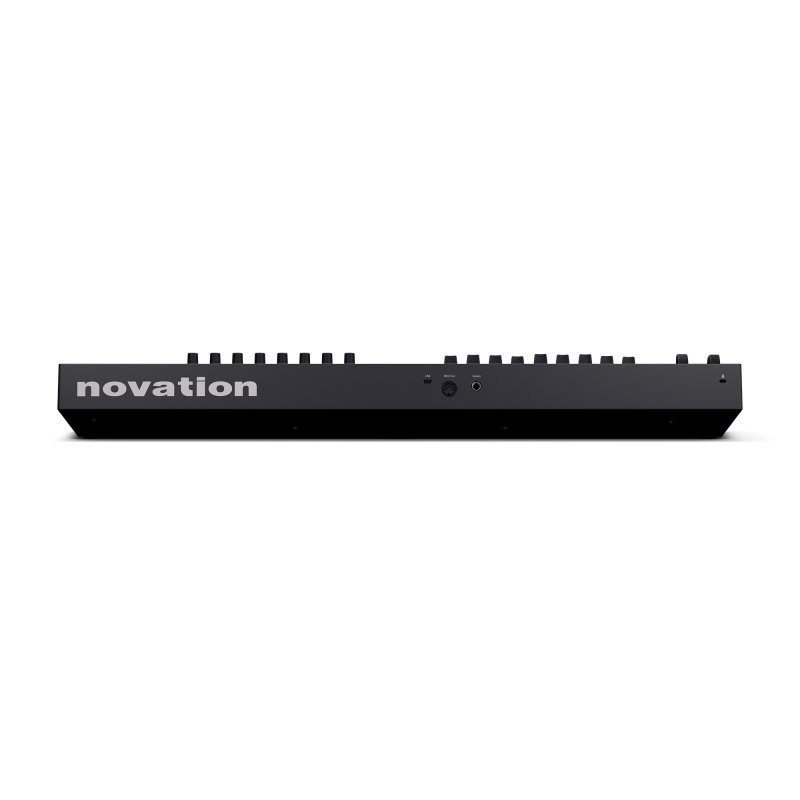
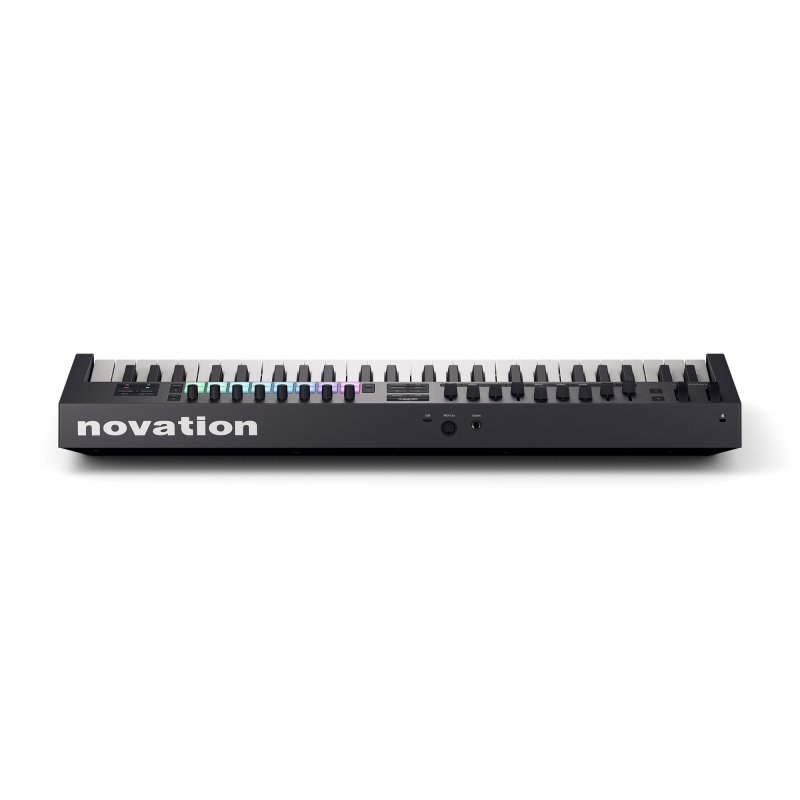
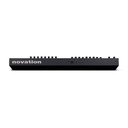
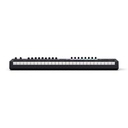
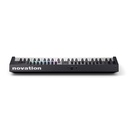
| Sockets | USB-C, 5-pin MIDI out, 1/4-inch sustain pedal, Kensington slot |
| Power | USB bus, adapter not included |
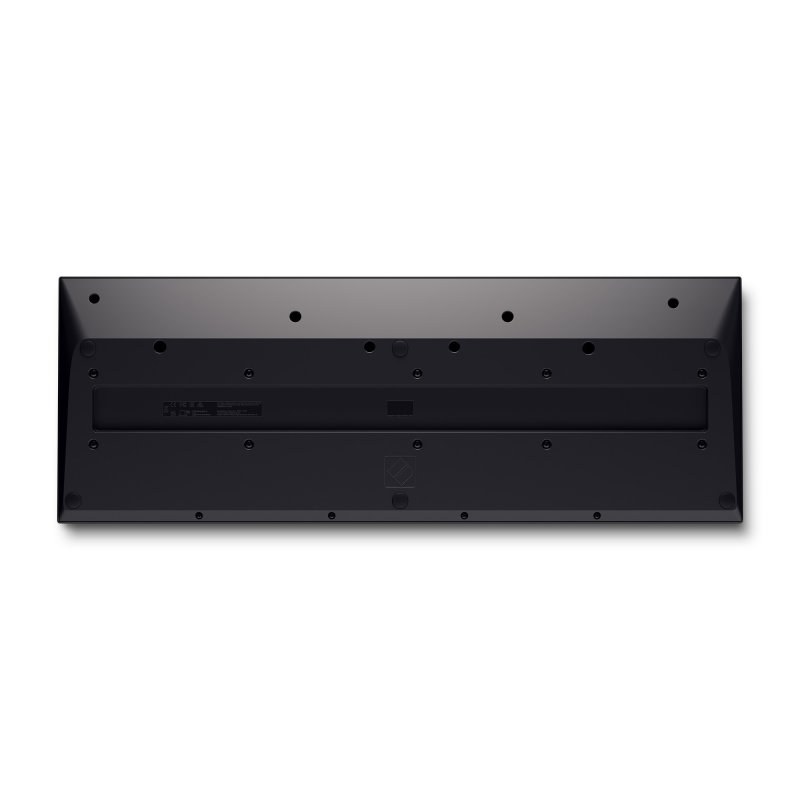
| Dimensions and weight | 730 × 263.5 × 93 mm, 4.08 kg |
| Colour | Black |
What it's for
- Full production in Ableton Live, Logic or FL Studio
- Finding chord progressions when writing
- Live playing with a split keyboard (bass and chords)
- Controlling hardware synths through the MIDI output
Compared with other manufacturers
Other manufacturers make 49-key MIDI keyboards; here is how they differ from the Launchkey 49 MK4:
| Manufacturer | Comparable model | How it differs |
|---|---|---|
| Native Instruments | Komplete Kontrol A49 | Semi-weighted keys, 8 touch-sensitive knobs, no pads |
| Arturia | KeyLab Essential 49 mk3 | Synth action, 8 pads, 9 faders and 9 encoders |
| Akai Professional | MPK249 | Aftertouch on the keys, 16 MPC-style pads |
| Nektar | Impact GX49 | A simple keyboard without pads, with transport controls |
Frequently asked questions
- What changed between Launchkey MK3 and Launchkey MK4?
- According to Novation: semi-weighted keys on the 49 and 61, force-sensing pads with polyphonic aftertouch, an OLED screen that shows chord names, an expanded set of creative tools, tighter DAW integration (Ardour for the first time) and a USB-C connection instead of USB-B.
- Can I split the keyboard or layer two sounds?
- Yes, on the 49 and 61 MK4. Using Shift and fader buttons 6 to 9, you set up two parts, A and B, then choose to split them across key ranges or layer them.
- Launchkey MK4 or FLkey for FL Studio?
- Launchkey MK4 works with FL Studio, but FLkey is designed for that DAW alone. If you switch between DAWs, Novation recommends the Launchkey.
- Which version of Logic Pro do I need?
- Logic Pro 10.8.1 or later integrates Launchkey MK4; just plug it in and follow Novation's setup steps.
Avis clients
Finding new chords with the Launchkey 49 MK4? Share your discoveries.
Aucun avis pour le moment. Soyez le premier à partager votre expérience après votre achat.