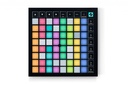
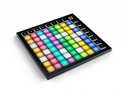
Novation Launchpad X 64-Pad MIDI Grid Controller for Ableton Live
The Novation Launchpad X is a 64-pad MIDI grid controller designed for Ableton Live: each pad launches a clip in Session View, and the same grid plays like an instrument, responding to how hard and how long you press. It also works with Live Loops in Logic Pro.
What sets it apart
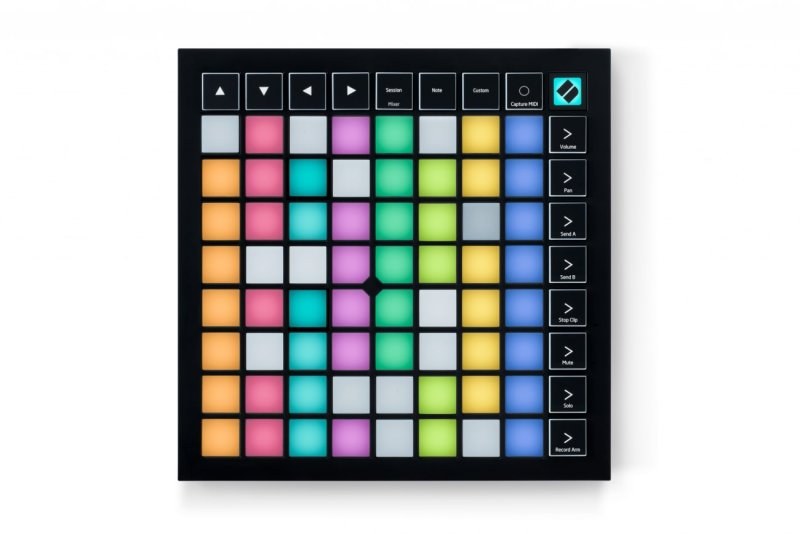
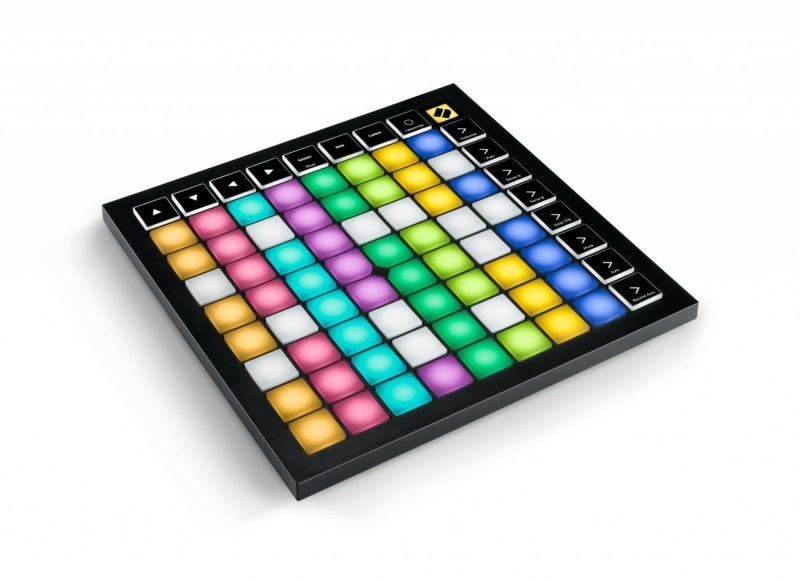
- 64 RGB pads with velocity sensitivity and polyphonic aftertouch
- Clip and scene launching in Ableton Live's Session View
- One-press Capture MIDI so a played idea is never lost
- Note and Scale modes to play basslines, melodies and chords in key
- Custom Modes configured in Novation Components
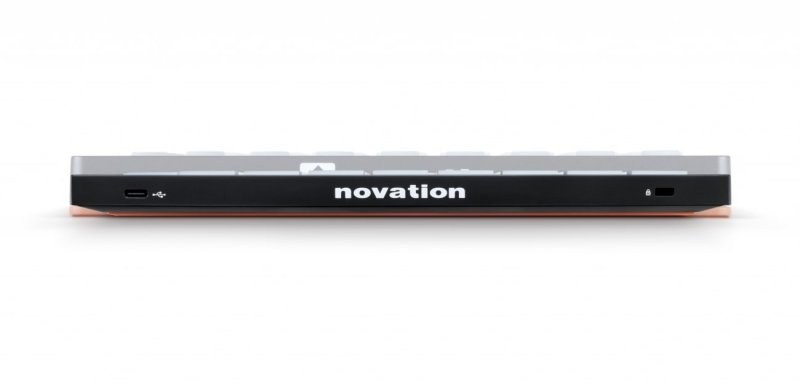
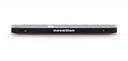
- Powered by a single USB-C cable, 17.5 mm thin
A grid instead of a keyboard
Ableton Live organizes music as clips laid out in a grid: every column is a track, every row a scene. Launchpad X puts that grid under your fingers, with RGB pads that show the state of your session. You can tell at a glance what is playing and what is still waiting to launch.
Sixteen buttons give you the essential performance controls: stop, solo or mute a track, arm it to record, and set levels, pans and sends. There are no drivers to install: plug it in and play.
Play it, don't just trigger it
The pads respond to velocity and polyphonic aftertouch, so each pad can shape a sound according to the pressure you hold. In Note mode the grid becomes a melodic instrument; Scale mode filters out notes outside the key, which makes chords approachable even without keyboard training.
The Capture MIDI button retrieves what you just played in Live, even if recording wasn't running. It is often the best take of the night.
Beyond Ableton Live
In Logic Pro, Launchpad X triggers Live Loops cells to sketch out an arrangement and record a performance. With other software it behaves as a standard MIDI controller.
Custom Modes, which you lay out in the Novation Components app, assign any MIDI message to the grid. Firmware 2.0 raises the number of Custom Modes from four to eight and adds assignable keystroke shortcuts on the pads.
Specifications
| Pads | 64 RGB pads, velocity and polyphonic aftertouch |
|---|---|
| Buttons | 16 buttons |
| Indicators | 81 RGB LEDs |
| Custom Modes | 4, up to 8 with firmware 2.0 |
| Connection | USB-C port |
| Power | USB bus powered |
| Compatibility | Ableton Live 10 or later, Logic Pro Live Loops, standard MIDI controller elsewhere |
| Dimensions | 241 x 241 x 17.5 mm |
| Included software | Ableton Live Lite, Cubase LE, AAS Session Bundle, Addictive Keys, Klevgrand R0Verb and DAW Cassette, 40 Melodics lessons |
What it's for
- Launching Ableton Live clips and scenes on stage
- Finger drumming with real dynamics
- Writing in-key chords with Scale mode
- Sketching an arrangement in Logic Pro's Live Loops
- Controlling VJ or lighting software through Custom Modes
Compared with other manufacturers
Other manufacturers make pad controllers for Ableton Live. Here is how they differ from the Launchpad X:
| Manufacturer | Model | What sets it apart |
|---|---|---|
| Novation | Launchpad X | 64 pads with polyphonic aftertouch, slim design, USB powered |
| Akai Professional | APC mini mk2 | 64 pads without velocity sensitivity, nine faders |
| Akai Professional | APC64 | Touch strips, built-in sequencer and CV outputs |
| Ableton | Push 3 | Built-in screen, MPE-capable pads, standalone version available |
| Akai Professional | MPD218 | 16 drum pads, no clip-launching grid |
Frequently asked questions
- Launchpad X or Launchpad Mini MK3: what's the difference?
- Launchpad X has larger pads that respond to velocity and pressure. The Mini's pads don't sense how hard you hit, and the unit measures 18 cm per side versus 24 cm.
- Does the Launchpad X work with FL Studio?
- Novation designs it for Ableton Live and Logic Pro. In FL Studio it works as a standard MIDI controller, with assignments set up through Custom Modes.
- Does it have a built-in sequencer?
- No. It controls your software rather than playing on its own. In the Novation range, the Launchpad Pro MK3 adds a standalone sequencer and MIDI ports.
- Which version of Ableton Live do I need?
- Live 10 or later for full integration. Ableton Live Lite is included if you don't have the software yet.
Avis clients
Launching your clips with the Launchpad X? Show us your performance.
Aucun avis pour le moment. Soyez le premier à partager votre expérience après votre achat.