
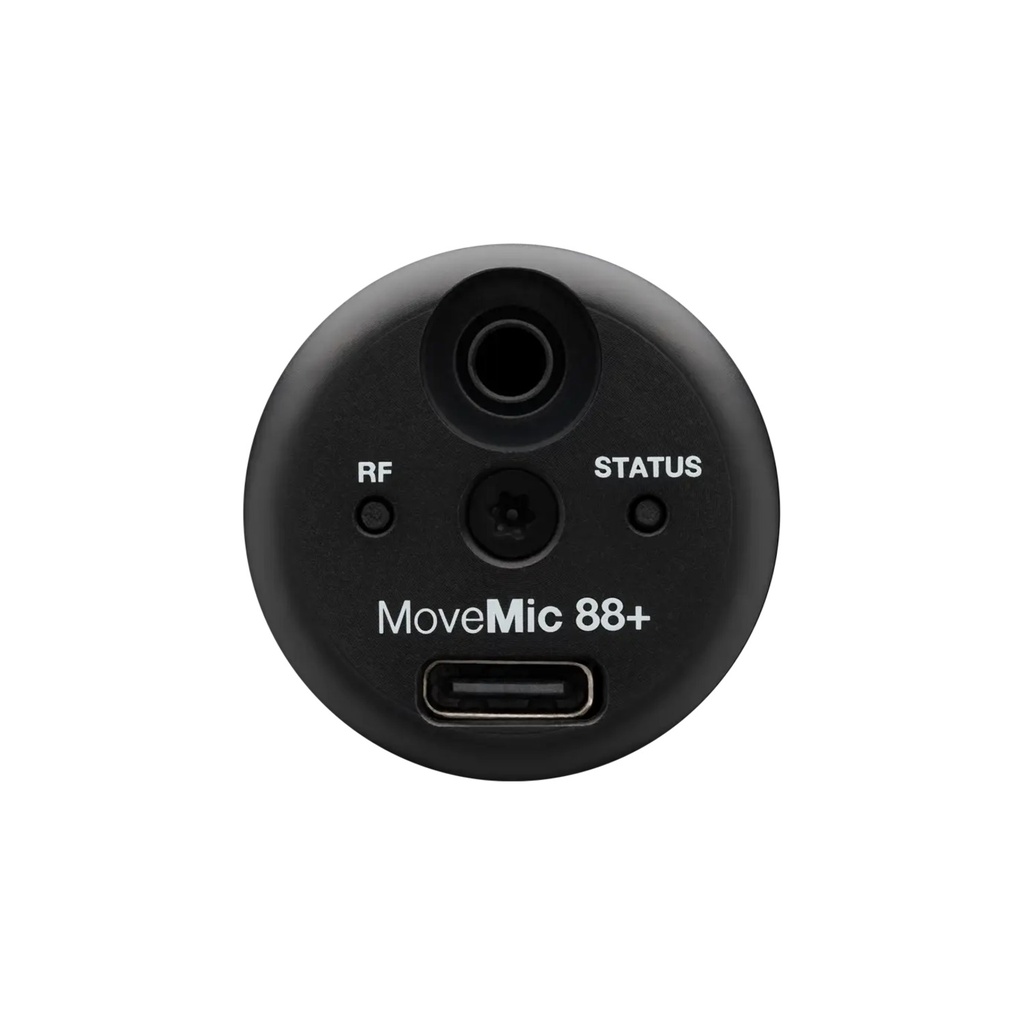
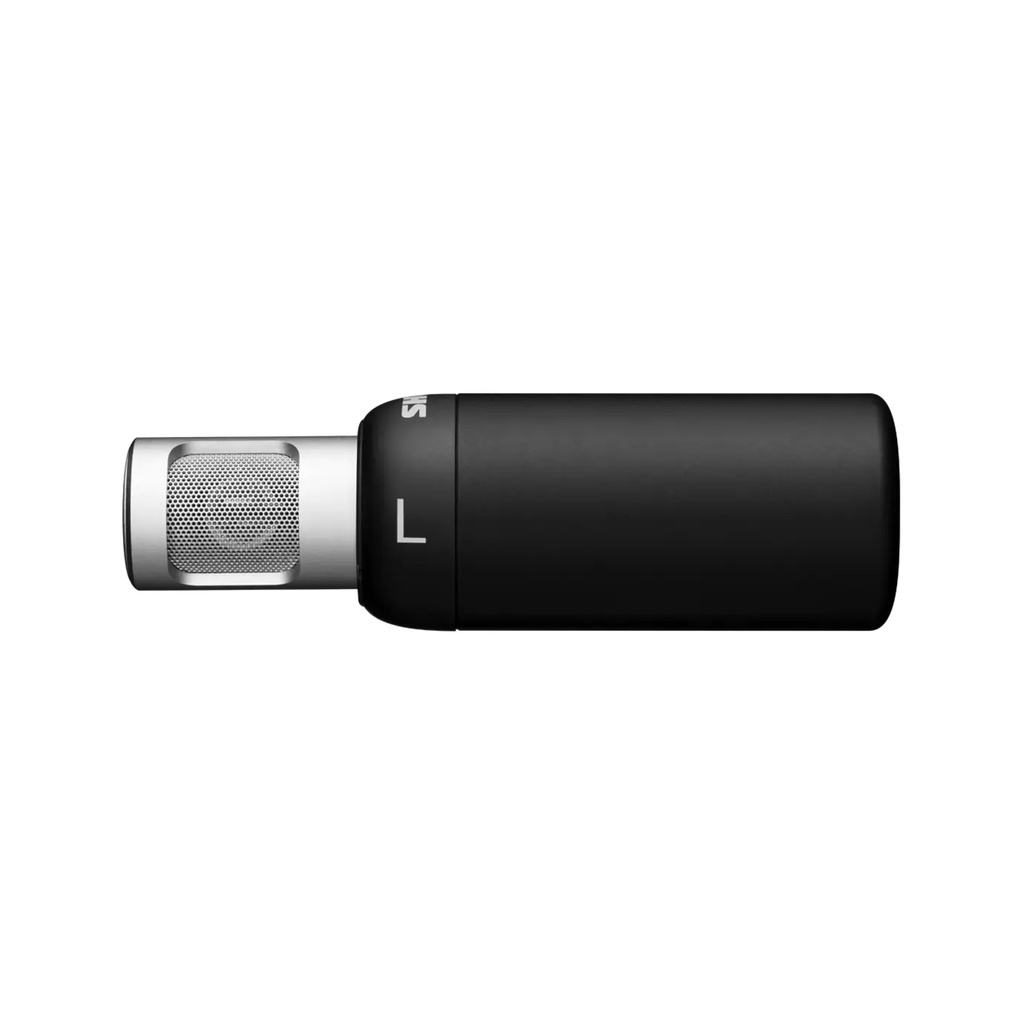
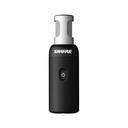
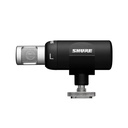
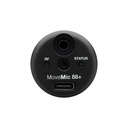
Shure MoveMic 88+ Receiver Kit, Wireless Stereo Mic with Receiver
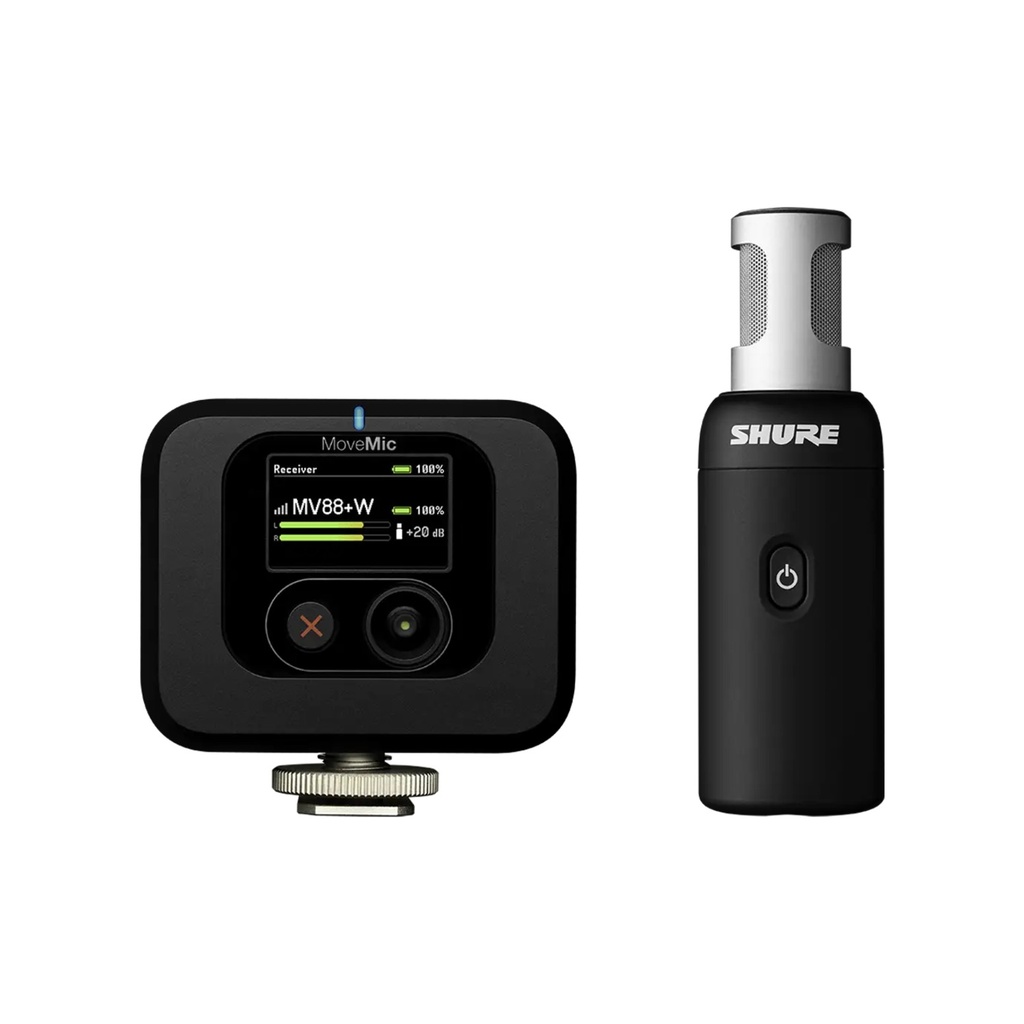
The Shure MoveMic 88+ Receiver Kit puts the MoveMic 88+ wireless stereo microphone and the MoveMic Receiver in the same box. The receiver mounts on a camera's shoe and sends sound over a 3.5 mm cable, or connects by USB-C to a computer or phone for the apps that cannot talk to the mic directly.
What sets it apart
- Mic and receiver in the same box, with two USB-C charging cables and a 3.5 mm cable
- Shoe-mount receiver for mirrorless and DSLR cameras, 3.5 mm TRS output at mic or line level
- Safety track recorded 3, 6 or 12 dB lower, against clipping
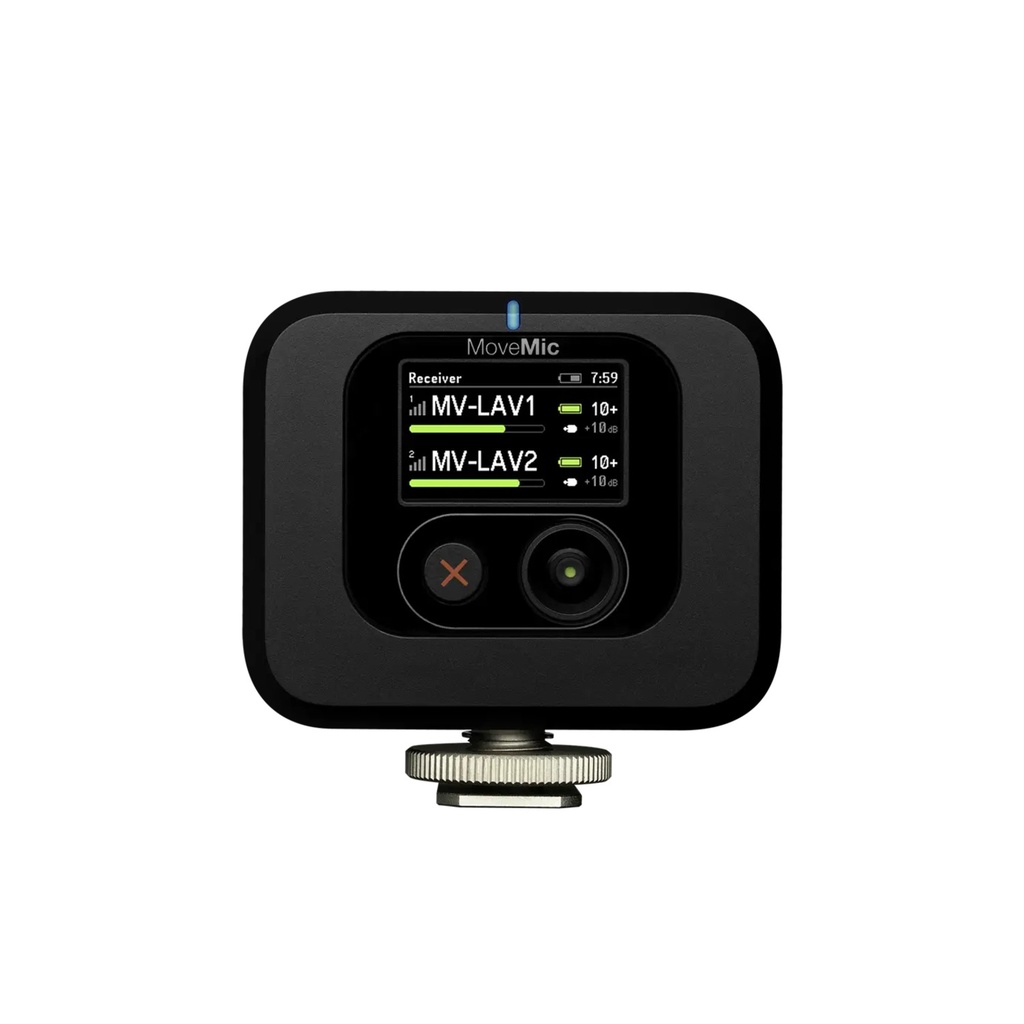
- Receiver display: left and right channels, battery charge, levels
- The mic also pairs directly with a phone, in MOTIV, Shure's recording app
What the receiver changes
On its own, the MoveMic 88+ records in Shure's MOTIV apps. The receiver opens up the rest: a camera through its mic input, a Windows or Mac computer, and the native or third-party apps on an Android or iOS phone, over USB-C. This is the kit to choose as soon as video goes through anything other than a phone.
The receiver is MFi certified and works at 24-bit/48 kHz, in the 2400 to 2483.5 MHz band. Rated range remains 30 m line of sight; the guide notes that many creators stay within 6 m for the strongest signal.
On the camera
The receiver slides into the camera's shoe, then the supplied 3.5 mm cable connects its output to the mic input. A hinge rotates it 90 degrees horizontally or vertically, to keep it clear of the screen or a handle. The camera output reaches -26 dBV at mic level and -8.3 dBV at line level, into a load of at least 2 kilohms.
The safety track duplicates the signal at a lower level, -3, -6 or -12 dB, on the 3.5 mm connection: if a shout or a bang clips the main track, the lower copy remains usable.
The mic in the kit
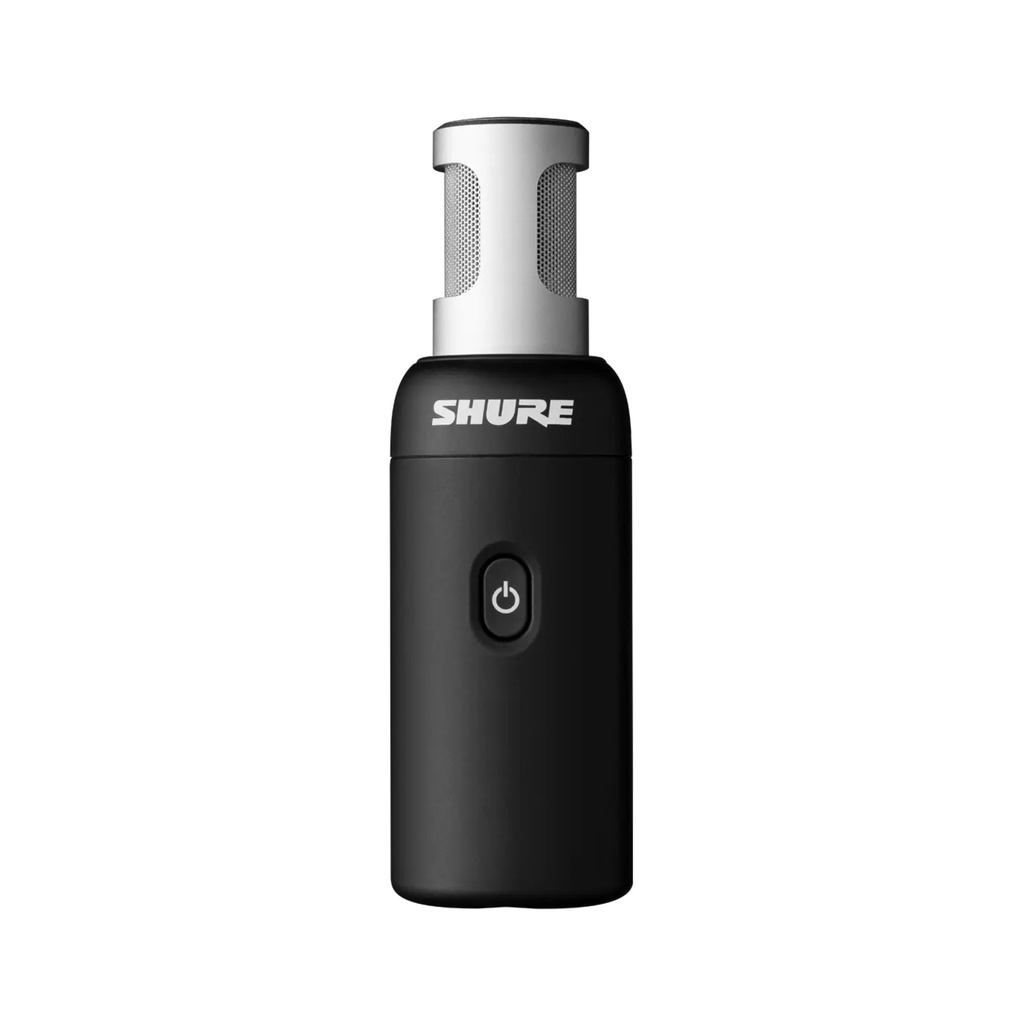
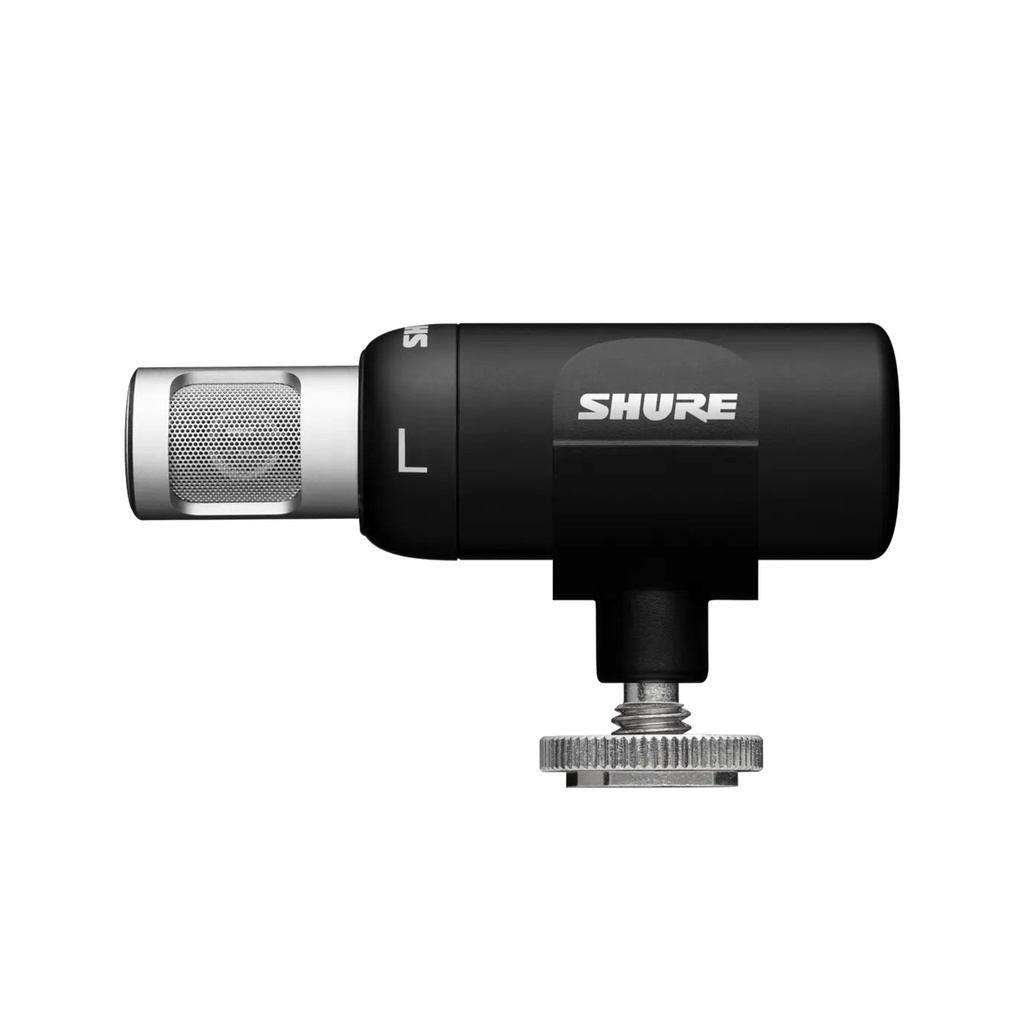
The MoveMic 88+ keeps its four polar patterns, stereo adjustable from 60° to 135°, mono cardioid, mono bidirectional and raw mid-side, and its onboard processing. With the receiver, these settings can also be made on the display, in the My Devices menu: gain, mute, audio effects and presets. The display shows the status of the left and right channels, the mic name and its battery charge.
Monitoring and power
The guide recommends wired monitoring: headphones plugged into the receiver's 3.5 mm output rather than a Bluetooth headset. That output delivers 26.4 mW and accepts an impedance of 16 ohms or more. The receiver has its own lithium-ion battery, up to 8 hours at normal power; the kit supplies two USB-C charging cables.
Pairing
The mic enters pairing mode by holding its button for 6 seconds from off. On the receiver, the My Devices menu then Connect New Mic starts the search. Once paired, the mic reconnects on its own the next times it is used.
Specifications
| Contents | MoveMic 88+ mic, MoveMic Receiver, 2 USB-C charging cables, 3.5 mm cable, 5/8 in. stand clip, cold shoe clip, roll bag |
|---|---|
| Mic | Mid-side stereo condenser, two 10 mm capsules, 40 Hz to 18 kHz, 99 g |
| Receiver outputs | 3.5 mm TRS (camera and headphones) and USB-C |
| Camera output level | -26 dBV (mic) or -8.3 dBV (line), 2 kilohm minimum load |
| Safety track | -3, -6 or -12 dB |
| Resolution | 24-bit, 48 kHz |
| Radio band | 2400 to 2483.5 MHz |
| Range | 30 m line of sight |
| Receiver battery life | 8 h at normal power, 7 h at high power |
| Headphone output | 26.4 mW, 16 ohms minimum |
| Receiver dimensions | 52.8 x 67 x 19 mm |
| Receiver weight | 81 g |
What it's for
- Stereo sound on a mirrorless camera, mounted on the shoe
- Outdoor interview with a safety track against raised voices
- Capture to a computer over USB-C, in editing or streaming software
- Shooting on a phone in a third-party app that does not recognize the mic alone
Compared with other manufacturers
Other wireless systems supplied with a camera receiver, from other manufacturers. Data published by each manufacturer.
| Model | Mic supplied | Camera output | Rated range |
|---|---|---|---|
| Shure MoveMic 88+ Receiver Kit | One mid-side stereo mic | 3.5 mm TRS, mic or line level | 30 m line of sight |
| Rode Wireless PRO | Two transmitters and two Lavalier II lav mics | Locking 3.5 mm TRS | Up to 260 m |
| DJI Mic 2 | Transmitter with omnidirectional capsule | 3.5 mm TRS camera cable | 250 m |
| Hollyland Lark M2 | Two 9 g omnidirectional transmitters | 3.5 mm TRS camera cable | 300 m line of sight |
| Saramonic Blink500 B2+ | Two omnidirectional transmitters | 3.5 mm TRS, plus USB-C and Lightning | 150 m |
Frequently asked questions
- What comes in the MoveMic 88+ Receiver Kit?
- According to Shure: the MoveMic 88+ mic, the MoveMic Receiver, two USB-C charging cables, a 3.5 mm cable, a 5/8 in. stand clip, a cold shoe clip and a roll bag.
- How do you connect the MoveMic 88+ to a camera?
- Through the receiver: it mounts in the camera's shoe, and the supplied 3.5 mm cable connects its output to the mic input. Shure publishes two camera output levels: -26 dBV at mic level and -8.3 dBV at line level.
- How do you pair the mic with the receiver?
- With both charged, hold the mic button for 6 seconds from off, until its LEDs flash red and blue. On the receiver, open My Devices, choose Connect New Mic, then select the mic found.
- What is the range between the mic and the receiver?
- Up to 30 m line of sight, according to Shure. The guide advises keeping the mic in view of the receiver and avoiding other wireless devices at the same time.
Avis clients
Which camera did this MoveMic 88+ kit shoot on? Comments are open.
Aucun avis pour le moment. Soyez le premier à partager votre expérience après votre achat.