
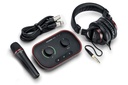
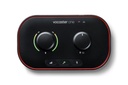
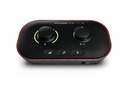
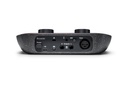
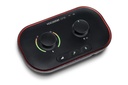
Focusrite Vocaster One Studio Podcast Bundle with Interface, Dynamic Mic and Headphones
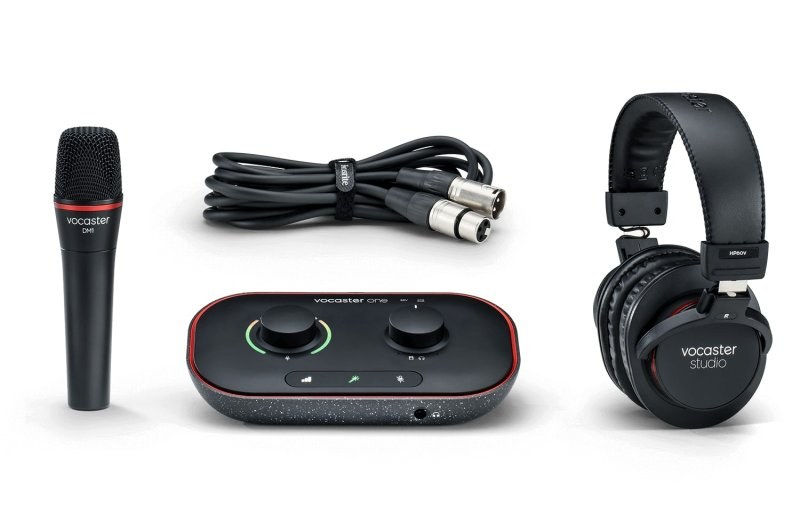
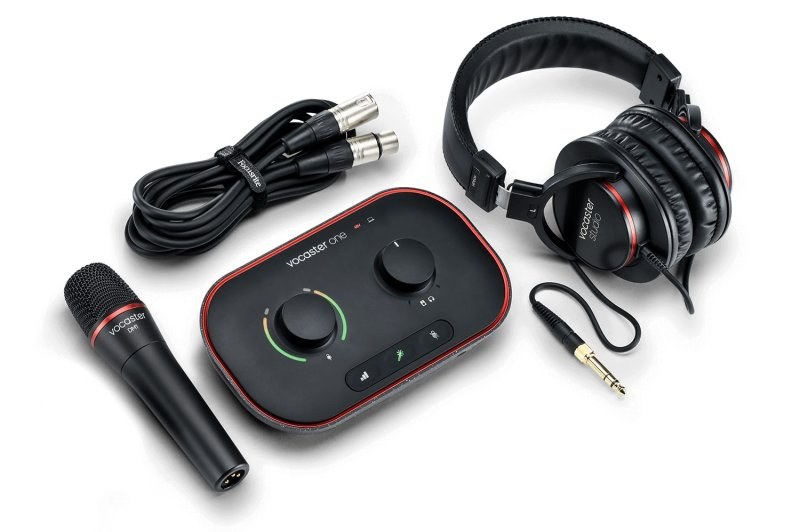
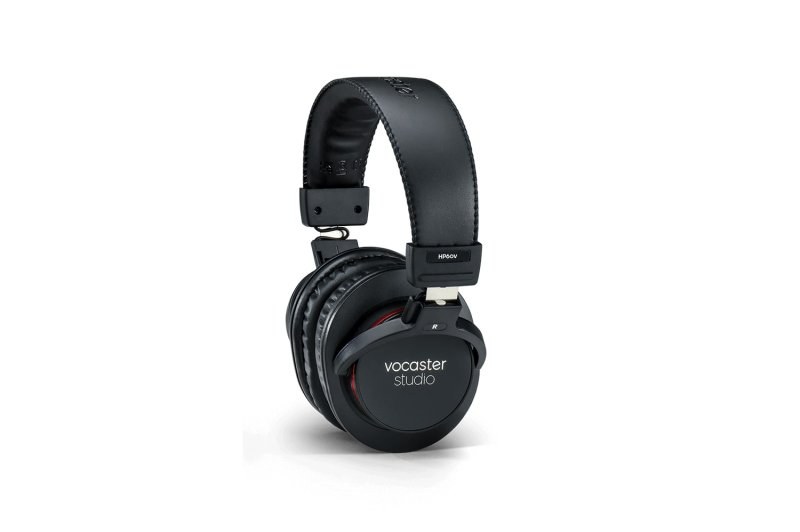
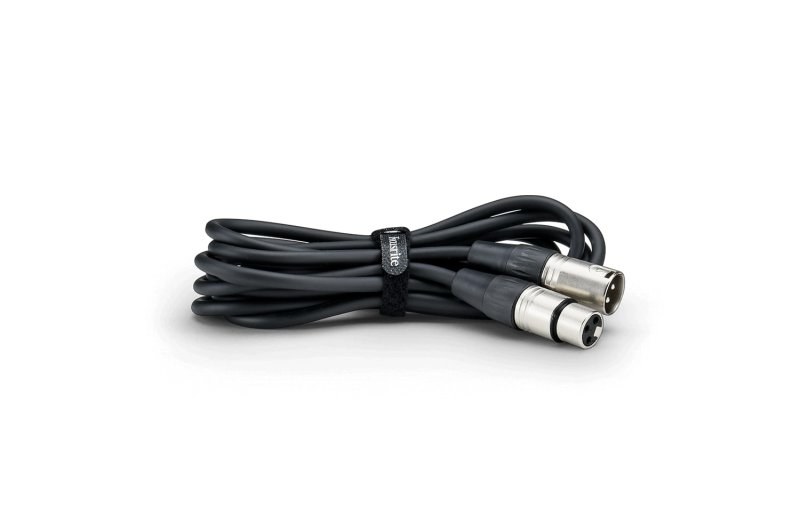
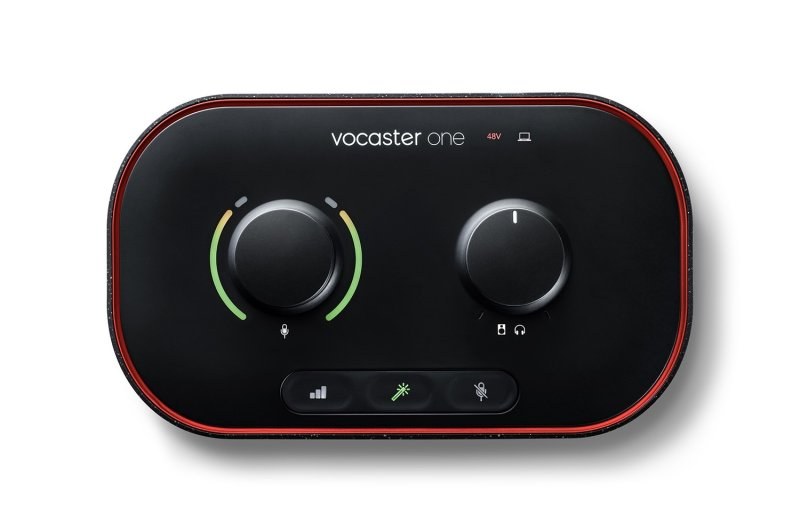
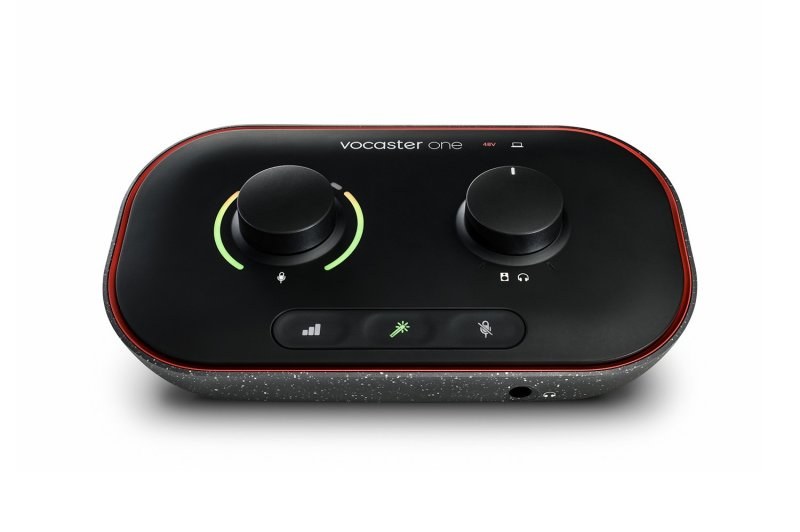
The Vocaster One Studio is a podcasting bundle that contains the Vocaster One audio interface, the Vocaster DM1 dynamic mic and HP60v closed-back headphones, with XLR and USB cables. It is designed for the spoken word: you set your level by talking, mute the mic with one button when you cough, and bring a guest in over the phone.
What sets it apart
- Mic input with 70 dB of gain range
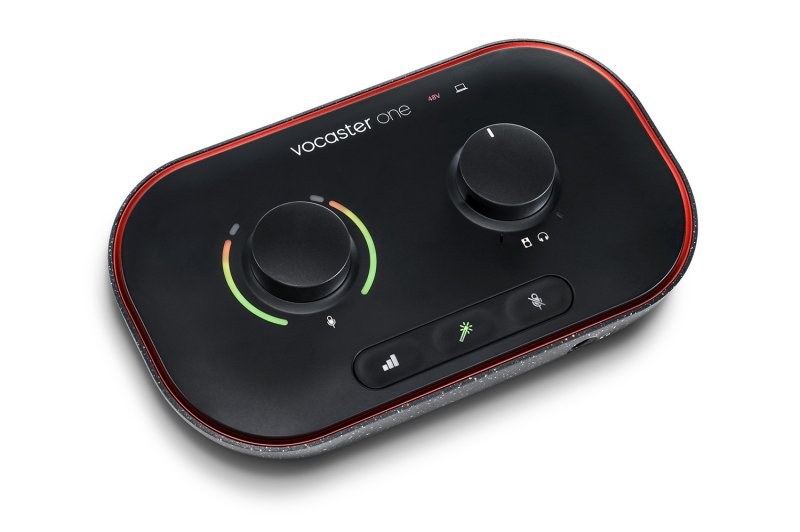
- Auto Gain: talk, and the interface sets the level
- Enhance: four voice presets
- Mute button for interruptions
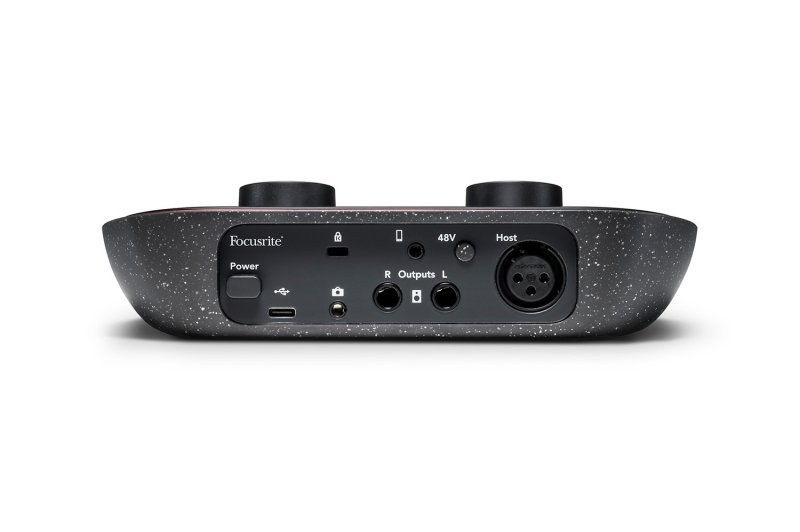
- Phone input and output, camera output
- Two stereo loopback pairs for computer audio
Built for the spoken word
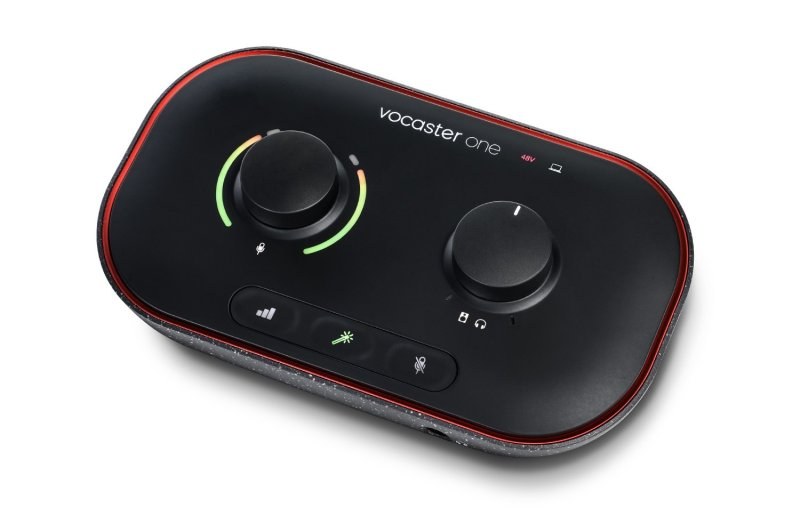
A podcast has different needs from a song. The voice has to stay clear from start to finish without the host touching a knob. Auto Gain listens to your voice and sets the level; the ring around the gain knob confirms at a glance that all is well. Enhance offers four presets, chosen in the Vocaster Hub software, to clean up your voice without reaching for an EQ.
A dynamic mic, and why it is a good choice
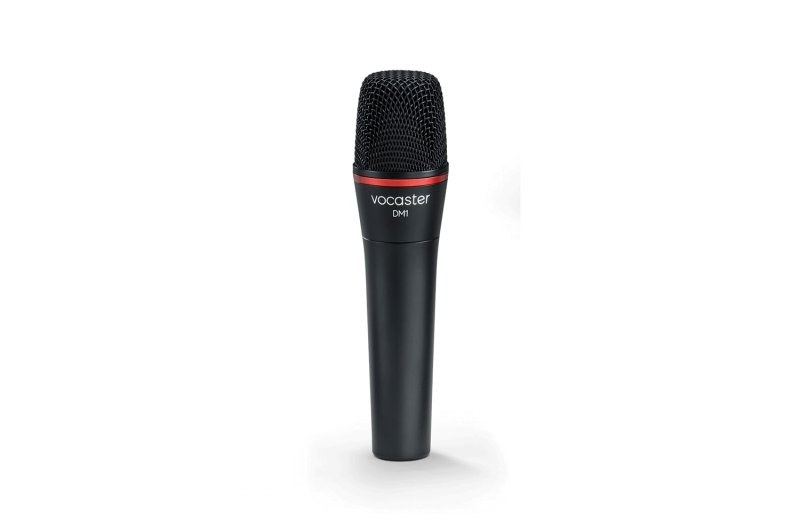
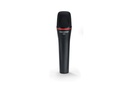
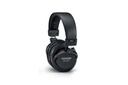
The DM1 is a dynamic mic with a built-in grille and pop filter. A dynamic mic mostly picks up the nearby voice and much less of the room, which is what you want in a living room or an echoey office. The HP60v closed-back headphones keep the show audio from spilling back into the mic.
Phone, camera and computer
A TRRS cable connects your phone: the guest on the line goes into the recording and can hear you. The camera output sends the show audio to your camera for the video version. Loopback captures computer audio, such as an intro jingle or a video call.
Specifications
| Contents | Vocaster One interface, Vocaster DM1 dynamic mic, HP60v closed-back headphones, XLR to XLR cable, USB-C to USB-A cable |
|---|---|
| Mic input | XLR, 70 dB gain range, phantom power |
| Phone | Mono, via 3.5 mm TRRS cable (not included) |
| Camera output | Via 3.5 mm TRS cable (not included) |
| Outputs | Headphones and speakers, 20 Hz to 20 kHz |
| Loopback | Two stereo pairs |
| DM1 mic | Dynamic, built-in grille and pop filter |
| HP60v headphones | Closed-back |
| Power | USB-C, 900 mA port required |
| Compatibility | macOS (Apple Silicon and Intel), Windows (Intel, AMD, Arm64), USB-C iPad |
| Software | Vocaster Hub, six months of Hindenburg PRO and Acast Influencer |
What it's for
- Solo podcasting
- Interviews with a guest on the phone
- Live streams and video with clean camera audio
- Audiobooks and narration
- Voice for videos and online courses
Compared with other manufacturers
Other podcasting solutions from other manufacturers:
| Manufacturer | Model | What differs |
|---|---|---|
| Focusrite | Vocaster One Studio | One voice, complete bundle with mic and headphones |
| RØDE | RØDECaster Duo | Two mic inputs, sound effect pads |
| Zoom | PodTrak P4 | Four mic inputs, records to a microSD card |
| Shure | MV7+ | USB and XLR dynamic mic, no separate interface |
| TASCAM | Mixcast 4 | Four mic inputs, standalone console |
Frequently asked questions
- Can I connect a phone to bring in a guest?
- Yes, with a 3.5 mm TRRS cable (not included). The connection is mono and works both ways: the guest is recorded and hears the show.
- Does the Vocaster One work with an iPad or iPhone?
- Focusrite supports it on USB-C iPads. Devices with a Lightning connector are not officially supported, though they may work. The interface must first be connected to a computer once.
- Do I need a gain booster for the DM1 mic?
- The mic input offers 70 dB of gain range, headroom intended for broadcast dynamic mics.
- How many voices can I record?
- There is a single mic input. For two hosts in the studio, you need an interface with two mic inputs.
Avis clients
Recording your podcast on the Vocaster One Studio? Tell us about it.
Aucun avis pour le moment. Soyez le premier à partager votre expérience après votre achat.